 how-to
Daily Habits to Prevent Digital Eye Strain
Table of Contents
- Why Daily Habits Matter More Than Quick Fixes
- The 20-20-20 Rule for Eyes: Your First Line of Defense
- Ergonomic Tips for Computer Users That Reduce Eye Fatigue
- Ergonomic Tips for Computer Users That Reduce Eye Fatigue
- Screen Settings, Glare, and Lighting: Small Adjustments, Big Relief
- Blinking, Artificial Tears, and Keeping Your Tear Film Healthy
- When to See an Optometrist for Eye Strain
- Mobile vs. Desktop: Why Your Phone Strains Your Eyes Differently
- Frequently Asked Questions
Last Updated: September 18, 2026
Why Daily Habits Matter More Than Quick Fixes
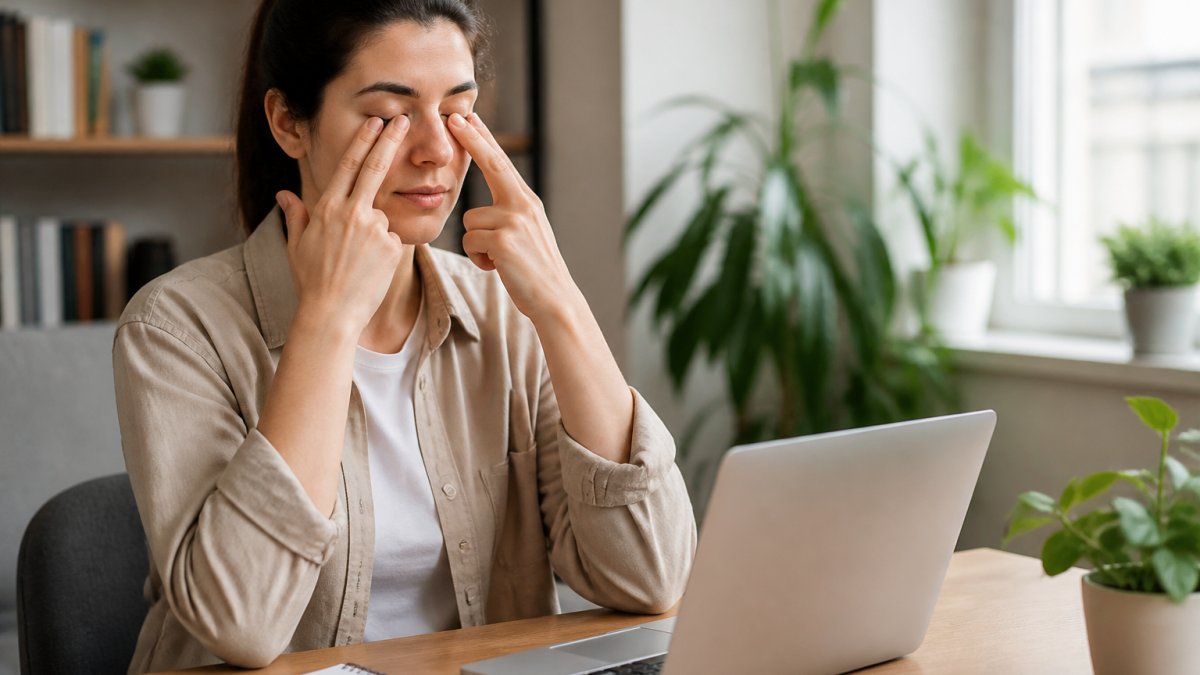
Digital eye strain is the eye and vision discomfort that builds up after long stretches of screen use, and it rarely comes from one big cause, it comes from small ones repeated all day. We've watched patients chase quick fixes like drops or extra sleep, only for the relief to fade by Tuesday. (Source: the American Optometric Association endorses the rule)
Treating eye fatigue like a one-time problem doesn't work: blink rate drops during focused screen work, your focus distance locks in for hours, and your eye muscles never get a real break.
The fix isn't one product, it's small routines you repeat. Here's how to build them.
The 20-20-20 Rule for Eyes: Your First Line of Defense
The 20-20-20 rule for eyes is the simplest habit in eye care: every 20 minutes, look at something 20 feet away for 20 seconds. It gives your focusing muscles a break from close work.
It sounds too easy to matter. It matters because of how eye muscles work. When you stare at a screen, the ciliary muscle stays contracted to hold near focus. Holding any muscle in one position causes fatigue. The 20-second distance gaze lets it relax. The American Optometric Association endorses the rule as a first-line habit for computer-related discomfort.
What decides whether the habit sticks is how you remember it, willpower fails by mid-afternoon, so let software carry the reminder.
Software that automates the 20-20-20 rule:
- Built-in OS features. macOS and Windows ship with Night Shift or Night Light, which shifts color temperature after sunset. Neither enforces a break, but turning them on removes one more reason your eyes feel raw at 9 p.m.
- Break-reminder apps. Stretchly, EyeLeo, and Time Out install a small overlay that dims or blocks your screen for 20 seconds on a set interval, the screen itself enforces the pause.
- Browser extensions. Break Timer or the 20-20-20 Eye Care extension run inside Chrome, Edge, or Firefox and trigger a countdown while you work in a tab.
- Phone-level tools. iOS Screen Time and Android Digital Wellbeing include app timers and downtime schedules. They don't enforce a 20-second gaze, but they cap time in the apps that keep your focus distance shortest.
- Blue-light filtering apps. f.lux (desktop) and Night Shift (iOS/macOS) reduce the blue component of your display in the evening. The evidence on blue light and eye strain is mixed, but many users report less evening discomfort, and the tools are free.
How to actually make it stick:
- Set a timer or use one of the break-reminder apps above
- Look out a window, down a hallway, or across the room
- Blink a few times while you look
- Don't swap the break for scrolling your phone
The last point is the one most people miss: a "break" on your phone keeps your focus distance close, which isn't a break at all.
Ergonomic Tips for Computer Users That Reduce Eye Fatigue
Good workspace ergonomics puts your screen where your eyes can rest, not strain. The goal is a setup that lets you sit naturally without leaning, squinting, or tilting your head.
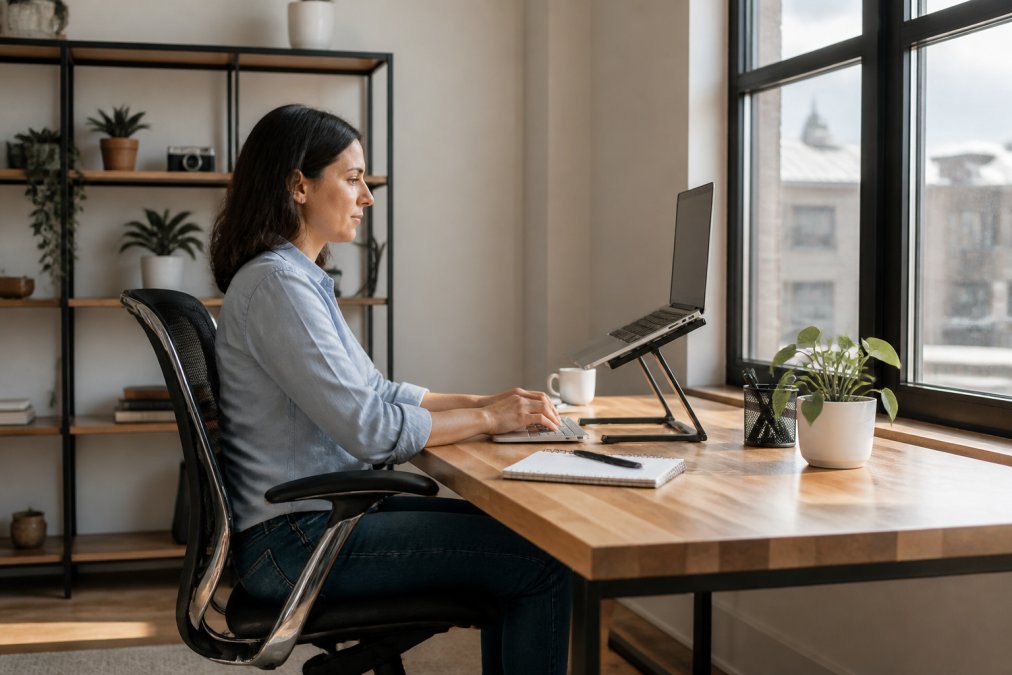
Start with monitor distance.
- Keep the screen directly in front of you, not off to the side
- Use a document holder so you're not looking down at papers
- Keep reference materials at the same distance as your screen
- Adjust chair height so your feet rest flat and wrists stay neutral
Ergonomic Tips for Computer Users That Reduce Eye Fatigue
Good workspace ergonomics puts your screen where your eyes can rest, not strain. The goal is a setup that lets you sit naturally without leaning, squinting, or tilting your head.
- Keep the screen directly in front of you, not off to the side
- Use a document holder so you're not looking down at papers
- Keep reference materials at the same distance as your screen
- Adjust chair height so your feet rest flat and wrists stay neutral
Screen Settings, Glare, and Lighting: Small Adjustments, Big Relief
Screen glare and poor ambient lighting are two of the most fixable causes of digital eye strain, yet most people never touch their display settings.
For reducing screen glare:
- Angle the screen away from windows and overhead lights
- Use blinds or a shade to control direct sun
- Try a matte screen or an anti-glare coating
- Turn off or dim lights that reflect directly off the display
Blinking, Artificial Tears, and Keeping Your Tear Film Healthy
Your tear film is the thin layer of moisture that keeps your ocular surface comfortable and clear. It has three layers, an outer oil layer, a middle water layer, and an inner mucus layer, and all three must work together for the surface to stay smooth. When you stare at a screen, your blink rate drops and the tear film breaks down faster.
Try these habits:
- Every few minutes, do a few slow, complete blinks
- Follow the 20-20-20 rule, which naturally prompts blinking
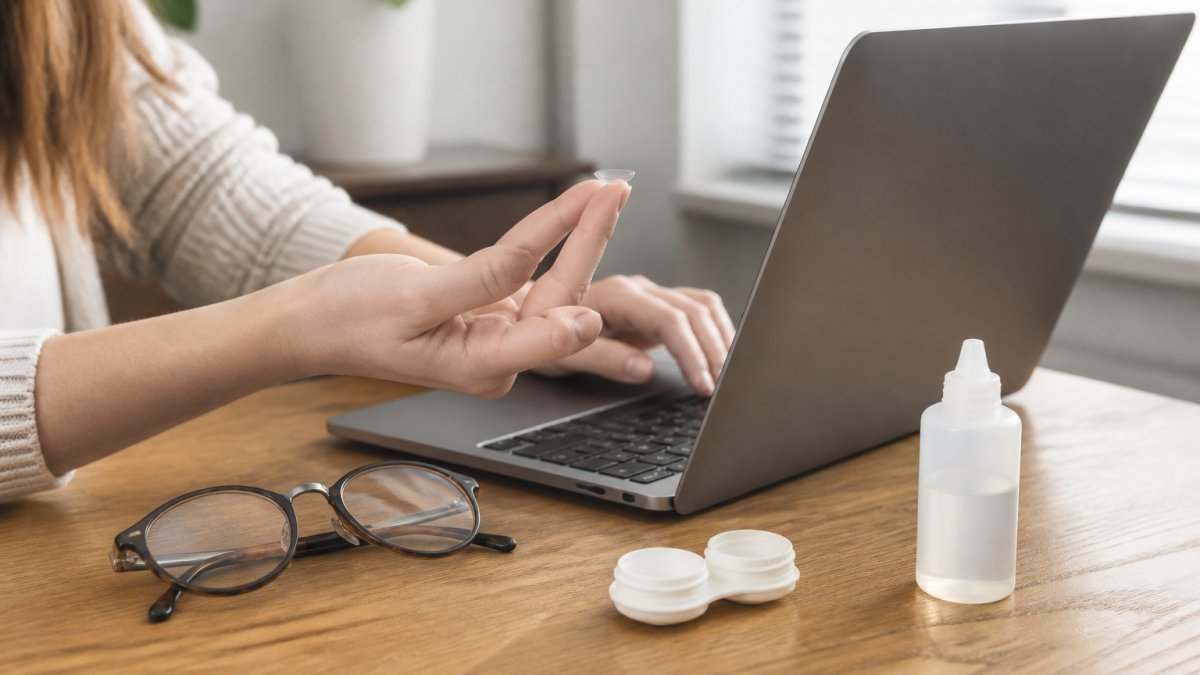
- Use artificial tears or lubricating drops when your eyes feel dry
- Choose preservative-free drops if you use them often
- Stay hydrated through the day
The hydration and diet angle most guides skip
Tear film is mostly water, and if you're under-hydrated your body pulls fluid from less critical places, including your tear film. Keep a full water bottle at your desk and finish it before lunch and again before the end of the day; you need a visible cue, not an ounce target. Maintaining this consistent hydration also supports the spinal discs that suffer when you are fixing tech neck while hunched over your screen.
Other dietary habits that support tear film quality:
- Vitamin A from carrots, sweet potatoes, and leafy greens supports the surface cells of the eye
- Vitamin C and zinc from citrus, bell peppers, and nuts support general eye health
- Limit alcohol and excess caffeine, both of which are mildly diuretic and can leave you drier by the end of the day
- Watch very high-dose vitamin A supplements, more is not better, and too much can be harmful
When to See an Optometrist for Eye Strain
See an optometrist for eye strain when symptoms persist despite better habits or interfere with work, reading, or daily life. Discomfort that never fully goes away deserves a professional look.
Watch for these signs:
- Headaches that come on during or after screen work
- Blurred vision that clears when you look away
- Burning, itching, or a gritty feeling
- Eye fatigue that lasts into the next morning
- Double vision or trouble focusing
Mobile vs. Desktop: Why Your Phone Strains Your Eyes Differently
Your phone strains your eyes differently than your desktop, and most people never adjust for it. The screen is smaller, so you hold it closer. Closer focus distance means more effort from your eye muscles.
Here's the practical difference:
| Factor | Desktop | Mobile |
|---|---|---|
| Typical distance | 20-28 inches | 8-12 inches |
| Text size | Larger, adjustable | Smaller, harder to read |
| Posture | Upright, supported | Often hunched, tilted |
| Common habit | Set workspace | Used anywhere, any light |
What helps:
- Hold your phone farther away and increase text size
- Raise the phone toward eye level instead of looking down
- Take breaks more often on mobile, not less
- Avoid long phone sessions in the dark
Frequently Asked Questions
How can I stop digital eye strain?
Start with the 20-20-20 rule: every 20 minutes, look at something 20 feet away for 20 seconds. Position your screen about an arm's length away and slightly below eye level. Adjust brightness to match your room, reduce glare, and blink often. If your eyes stay dry or tired despite these habits, schedule a comprehensive eye exam to rule out an underlying refractive error or dry eye syndrome.
What is the 20-20-20 rule for reducing digital eye strain?
The 20-20-20 rule for eyes is a simple pacing habit: for every 20 minutes of screen time, take a 20-second break to look at something at least 20 feet away. This gives your focusing muscles a chance to relax after holding near focus. Set a timer or use a break reminder app so you actually do it. Most people find the habit easier when it is tied to something they already do, like checking the time.
Which is worse for eyes, a laptop or a phone?
Both can cause digital eye strain, but phones often create more fatigue because people hold them closer than laptops, forcing the eye muscles to work harder at a nearer focus distance. Phones are also used in more varied lighting, including dim rooms and direct sun. Laptops allow better monitor distance and viewing angle. Whichever device you use most, apply the same habits: breaks, proper distance, and glare control.
Can digital eye strain cause permanent vision damage?
Current evidence does not show that digital eye strain causes permanent vision damage or structural eye disease. The symptoms, including eye fatigue, dry eyes, headaches, and blurred vision, are usually temporary and improve with breaks, lubricating drops, and better workspace ergonomics. That said, ongoing strain can signal an uncorrected refractive error or dry eye syndrome. An eye exam with an optometrist can identify the cause and rule out other conditions.