 how-to
Preventing Dry Eyes While Working From Home in 2026
Table of Contents
- Why Working From Home Makes Dry Eyes Worse
- The 20-20-20 Rule for Eyes: Your First Line of Defense
- Best Artificial Tears for Computer Use
- Ergonomic Home Office Setup for Eye Health
- Blinking Exercises and Hydration Habits That Help
- When Home Remedies Aren't Enough: Seeing an Eye Doctor
- Frequently Asked Questions
Last Updated: September 26, 2026
Why Working From Home Makes Dry Eyes Worse
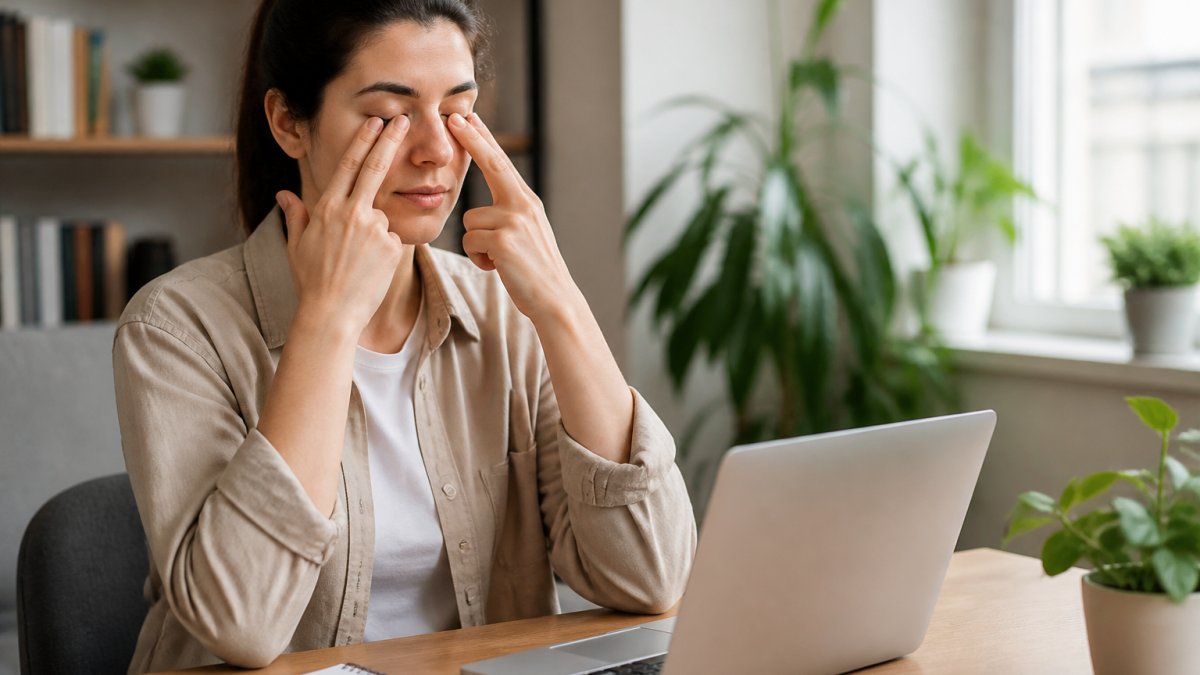
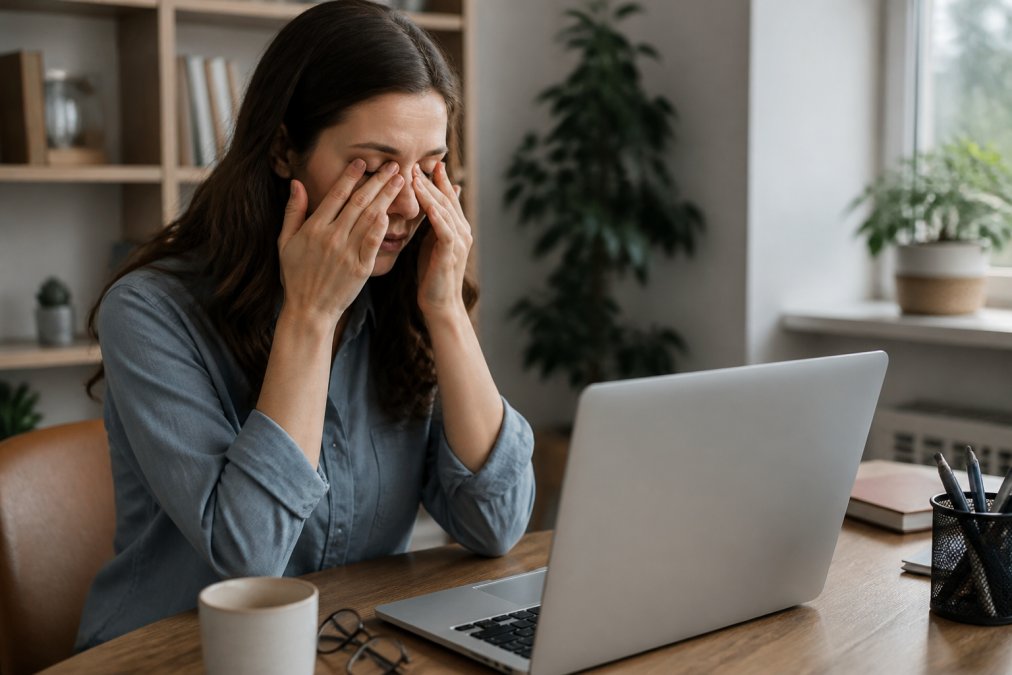
Working from home has quietly become one of the biggest triggers for dry eyes. The problem isn't screen time alone. It's the combination of staring at a monitor for hours, sitting in dry indoor air, and rarely looking away from a fixed distance. At Wilck Schwartz & Novak OD PC, we see this pattern constantly in patients who never had eye trouble in a traditional office. (Source: American Optometric Association's definition of computer vision syndrome)
The American Optometric Association describes computer vision syndrome as the group of eye and vision problems tied to prolonged screen use. Dryness, burning, and tired eyes top the list.
So why does home work hit harder than office work? Two reasons: your tear film and your environment.
How Screen Time Changes Your Tear Film
Your tear film is the thin layer of moisture that coats the ocular surface every time you blink. It keeps vision sharp and eyes comfortable.
Blinking spreads that film. But when you stare at a screen, your blink rate drops. Many people blink about half as often as normal during focused screen work. Fewer blinks mean the tear film dries out between refreshes.
That leads to evaporative dry eye, where tears evaporate too fast. If the meibomian glands along your eyelids aren't working well, the oily layer that locks in moisture weakens too.
Home Environment Factors That Drain Moisture
Your home office may be working against your eyes.
- Low humidity levels from heating and air conditioning pull moisture from the air
- Poor air quality and dust add to irritation
- Ceiling fans and vents blow dry air straight across your face
- Screen glare from windows forces your eyes to work harder
- Small screens at close range increase visual fatigue
A common mistake is blaming only the screen. In practice, the room matters just as much.
The 20-20-20 Rule for Eyes: Your First Line of Defense
The 20-20-20 rule for eyes is simple: every 20 minutes, look at something 20 feet away for 20 seconds. This short break lets your focusing muscles relax and gives your tear film time to recover.
How to Actually Remember to Take Breaks
Most people forget within the first hour. Fix that with structure, not willpower:
- Set a recurring timer on your phone or computer
- Use a break reminder app that locks the screen briefly
- Pair the break with something you already do, like sipping water
- Stand up and look out a window during the 20 seconds
- Follow the rule even when you feel fine, since damage builds quietly
Best Artificial Tears for Computer Use
Artificial tears are the most common at-home fix for screen-related dryness. They add moisture and help stabilize the tear film between blinks.
Preservative-Free vs. Preserved Drops
Preserved drops contain chemicals that stop bacteria from growing in the bottle. They're fine for occasional use, but frequent use can irritate the ocular surface over time.
| Drop Type | Best For | Watch Out For |
|---|---|---|
| Preserved | Occasional use | Irritation with frequent use |
| Preservative-free | Daily, frequent use | Higher cost per vial |
| Gel or ointment | Nighttime, severe dryness | Blurry vision for a few minutes |
| Lens-safe | Contact lens wearers | Must be applied as directed |
How to Apply Drops Without Wasting Them
A common mistake is flooding the eye. One drop is enough.
- Wash your hands first
- Tilt your head back and pull the lower lid down gently
- Look up and squeeze one drop into the pocket
- Close your eye softly for a few seconds
- Press the inner corner to keep the drop from draining away
Ergonomic Home Office Setup for Eye Health
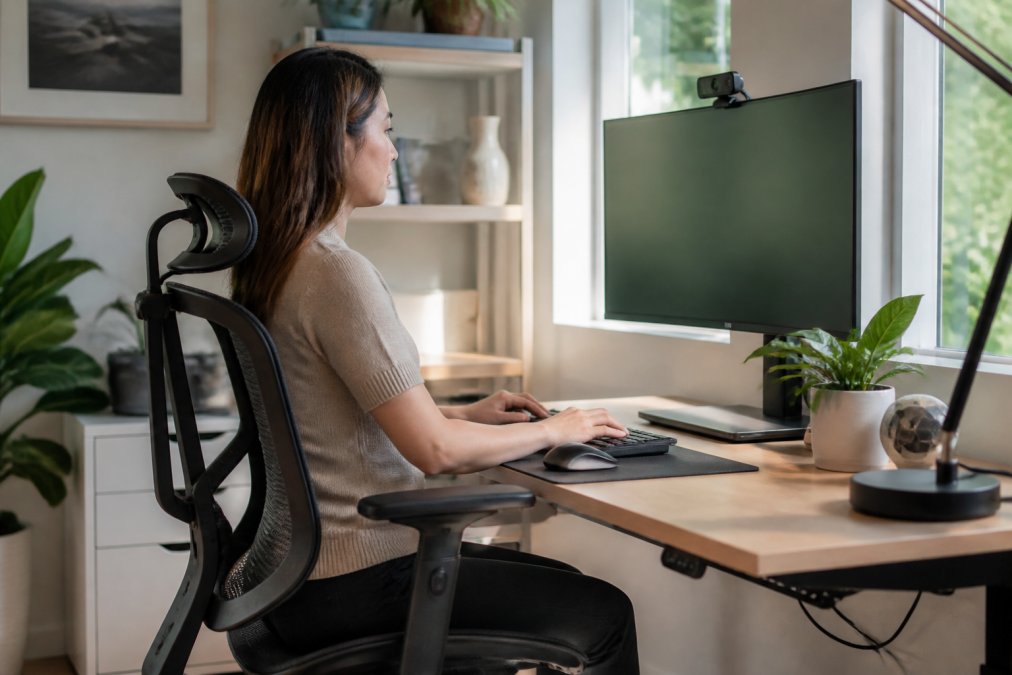
An ergonomic home office setup for eye health reduces how hard your eyes work. Position, distance, and light all matter more than most people expect, and the lighting piece is where most guides stop short.
Monitor Height, Distance, and Lighting
Set your screen so the top sits slightly below eye level. Aim for a viewing distance of about an arm's length, roughly 20 to 28 inches for most adults. If text looks small at that distance, increase the font size instead of leaning in.
- Reduce screen glare with blinds or a matte screen filter
- Keep ambient lighting even, so your eyes aren't adjusting between bright and dark
- Position your monitor so windows are to the side, not behind or in front of you
- Lower blue light exposure in the evening by dimming screens
- Use a humidifier in dry months to raise humidity levels
- Keep the room dust-free to protect air quality
Software That Does the Work for You
Willpower fails by mid-morning. Low-friction software fixes are the gap most dry-eye guides skip entirely.
- Blue light filters: f.lux and the built-in Night Shift mode on macOS and Night Light on Windows shift screen color warmer as the evening approaches. They won't cure dryness, but they reduce the harsh contrast that drives squinting and partial blinking.
- Break reminders: apps like Stretchly, Time Out, and the built-in Screen Time tools can lock the screen briefly every 20 minutes. A forced pause beats a notification you swipe away.
- Blink reminders: some browser extensions flash a subtle prompt when your blink rate drops. Useful if you catch yourself staring.
- Font and contrast settings: bumping text size and enabling high-contrast mode means less leaning in and less squinting.
Blinking Exercises and Hydration Habits That Help
Two habits cost nothing and help more than most people expect: deliberate blinking and steady hydration. But the details, how to blink, what to drink, what to eat, and what to do if you wear contacts, are where this advice usually falls apart. Mastering these foundational adjustments requires a broader commitment to healthy remote work habits that sustain your physical well-being throughout the entire day.
Blinking Exercises That Actually Retrain the Habit
Screen work trains a shallow, partial blink. The upper lid comes down but doesn't fully meet the lower lid, so the tear film never gets fully refreshed. Over an afternoon, that adds up.
Blinking exercises retrain the full blink:
- Every 20 minutes, close your eyes completely and hold for two seconds.
- Then blink slowly five times, feeling the lids meet.
- Finish with a few seconds of relaxed, normal blinking.
Hydration and Nutrition for Tear Film Quality
Hydration supports tear production from the inside. Many adults run low on fluids without noticing, especially in heated or air-conditioned rooms. Keep water at your desk and sip through the day. There's no single number that fits everyone, but pale-yellow urine is a reasonable everyday gauge.
A Note for Contact Lens Wearers
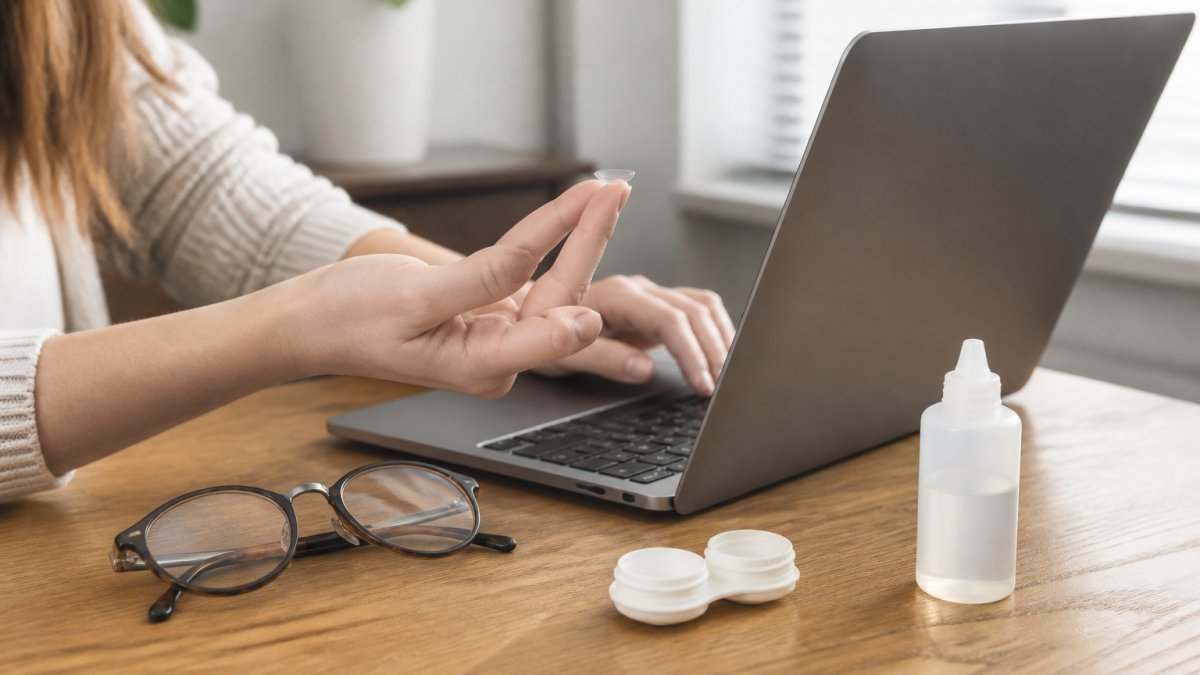
Lenses sit on the ocular surface and can make dryness worse, and working from home creates a specific trap: people wear lenses longer because there's no commute to break up the day.
- Follow your wear schedule and replace lenses on time
- Never sleep in lenses, even for a nap
- Give your eyes lens-free hours each day, glasses in the morning or evening
- Use lens-safe artificial tears only, and apply them before the lenses feel dry, not after
- If lenses feel dry by mid-afternoon most days, that's a fitting issue worth a professional look, not something to push through
When Home Remedies Aren't Enough: Seeing an Eye Doctor
Home fixes handle mild dryness. But some symptoms need a professional look.
See an optometrist or ophthalmologist if you notice:
- Dryness that lasts more than a few weeks
- Blurry visual acuity that clears when you blink
- Redness, pain, or light sensitivity
- Discharge or a feeling that something is stuck in your eye
- Symptoms that keep getting worse despite drops and breaks
Frequently Asked Questions
How can I prevent dry eyes when working at a computer all day?
Follow the 20-20-20 rule: every 20 minutes, look at something 20 feet away for 20 seconds. Position your monitor so the top of the screen sits at or slightly below eye level. Use preservative-free artificial tears before symptoms start, not just after. Keep a humidifier running in your workspace and stay hydrated. If symptoms persist despite these steps, an optometrist can check for meibomian gland dysfunction or other causes of chronic dry eye.
What are the best artificial tears for computer use?
Preservative-free lubricating eye drops are usually the best choice for frequent computer use because they avoid the irritation that preservatives can cause with repeated dosing. Look for drops labeled for evaporative dry eye or tear film support. Thicker gels work well before bed, while thinner drops suit daytime use. An optometrist can recommend a specific brand based on whether your dry eye is aqueous-deficient or evaporative.
Can staying indoors affect your eyes?
Yes. Indoor environments often have lower humidity, especially with heating or air conditioning running. That speeds up tear evaporation and can trigger or worsen dry eye symptoms. Reduced outdoor time also means less exposure to natural light, which supports normal tear production and blink rate. Running a humidifier, taking breaks near a window, and stepping outside periodically can help offset these effects.
When should I see an optometrist for persistent dry eye symptoms?
If dryness, burning, or blurry vision lasts more than a few days despite using artificial tears and adjusting your workspace, schedule an eye exam. An optometrist can check your tear film, meibomian gland function, and overall ocular surface health. Persistent dry eye can stem from conditions like blepharitis or autoimmune issues that need targeted treatment. Early evaluation prevents long-term damage to the ocular surface.