 how-to
Why Your Eyes Feel Tired After Screen Time
Table of Contents
- Why Do My Eyes Feel Tired After Screen Time?
- Computer Vision Syndrome Symptoms to Watch For
- The 20-20-20 Rule for Eyes: A Simple Reset
- How to Reduce Digital Eye Strain at Home and at Work
- Eye Exercises That Ease Tired Eyes
- Products That May Help: Blue Light Glasses and Screen Filters
- When to See an Optometrist for Screen-Related Eye Strain
- Frequently Asked Questions
Last Updated: September 16, 2026
Why Do My Eyes Feel Tired After Screen Time?
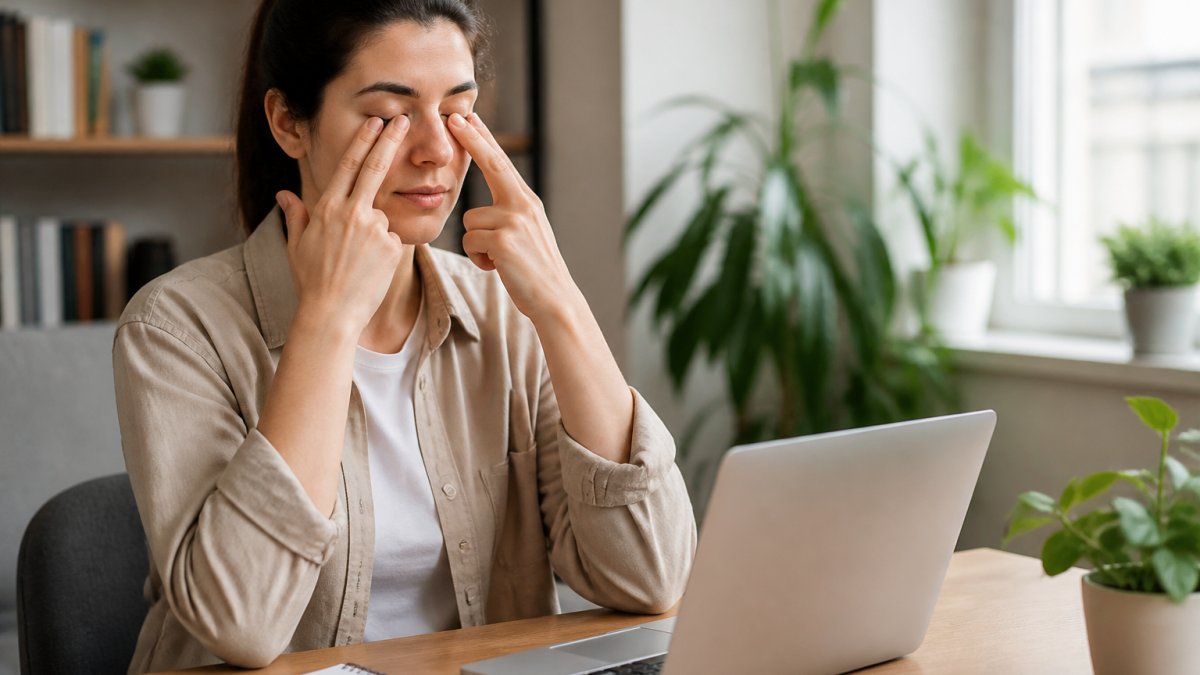
If your tired eyes screen time leaves aching, burning, or blurry by mid-afternoon, you are not imagining it. The reason why do my eyes feel tired after screen time comes down to a simple mismatch: your eyes were built for distance vision, but modern work keeps them locked at arm's length for hours. At Wilck Schwartz & Novak OD PC, we see this pattern constantly in patients who spend their days between monitors, phones, and tablets.
The discomfort has a name: digital eye strain. It is one of the most common complaints in optometry, and it is almost always manageable once you understand what is driving it. Below, we explain what happens to your eyes during screen use, the habits that make it worse, and the practical fixes that actually work.
What Happens to Your Eyes During Screen Use
Digital eye strain is the collection of symptoms caused by prolonged focus on a screen, and it stems from three mechanical problems rather than any single cause.
First, your eyes hold a fixed near focus. The ciliary muscle inside each eye stays contracted to keep the screen sharp, and it never fully relaxes while you work. Second, you blink far less often than normal when reading on a screen, so the tear film that protects your cornea dries out. Third, the muscles that aim your eyes inward to converge on a close target stay engaged for the entire session.
None of these problems damages your eyes permanently on its own. The trouble is accumulation. A few hours is fine. Ten hours a day, five days a week, and the strain becomes a chronic background hum.
Everyday Habits That Make It Worse
Several ordinary habits quietly amplify the problem. A common mistake is positioning the screen too close and too high, which forces more convergence and exposes more of the eye's surface to drying air.
- Sitting within 20 inches of the monitor, closer than the roughly arm's-length distance most people tolerate well
- Working under overhead lighting that creates glare on a glossy screen
- Skipping breaks because a task feels urgent
- Using a phone in bed at night, then wondering why morning eyes feel gritty
- Ignoring an outdated glasses prescription that forces extra focusing effort
Computer Vision Syndrome Symptoms to Watch For
Computer vision syndrome symptoms extend well beyond simple tiredness, and recognizing them early helps you act before they disrupt your workday. The most frequently reported signs include:
- A dull ache behind or around the eyes
- Dryness, burning, or a gritty sensation
- Blurred vision that clears when you look away
- Headaches that build through the afternoon
- Neck and shoulder tension from leaning toward the screen
Most people notice two or three of these together rather than one in isolation. If your tired eyes screen time leaves you feeling worn out even after you step away, that is your signal to change something about your setup rather than push through.
The 20-20-20 Rule for Eyes: A Simple Reset
The 20-20-20 rule for eyes is the most widely recommended habit for breaking the cycle of sustained near focus: every 20 minutes, look at something 20 feet away for at least 20 seconds. The distance matters because it lets the ciliary muscle release, and the duration matters because a quick glance is not long enough to reset.
The rule works because it interrupts the two mechanisms behind strain at once. Your focusing muscle relaxes, and your blink rate recovers during the pause. Practitioners generally suggest pairing the rule with a physical cue, such as standing up or refilling a water bottle, so the break becomes automatic rather than something you have to remember.
How to Reduce Digital Eye Strain at Home and at Work
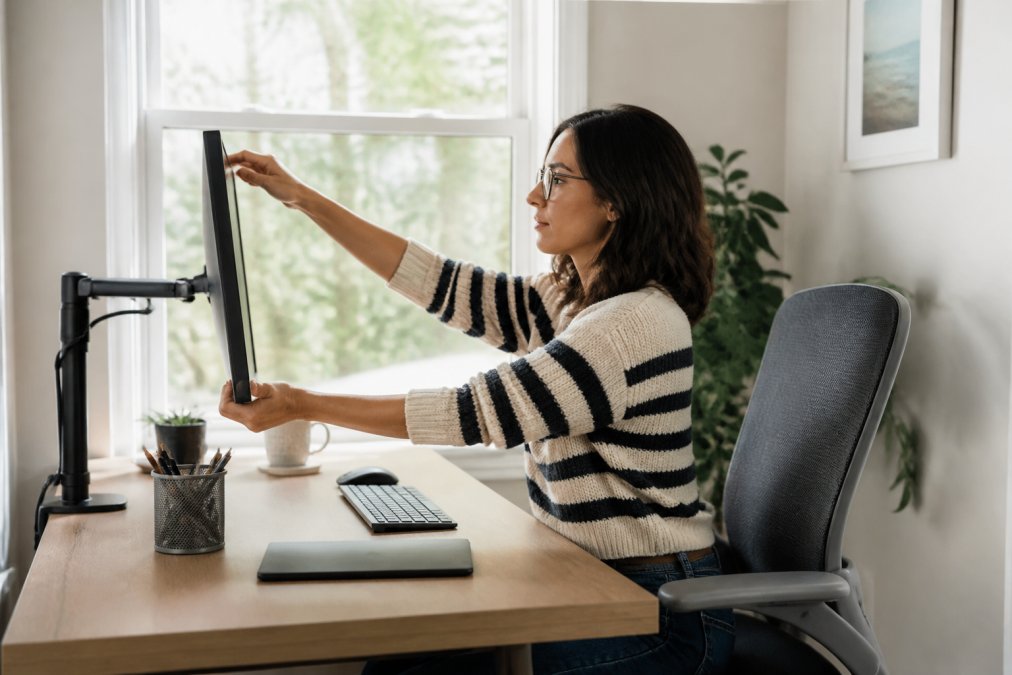
Learning how to reduce digital eye strain starts with your environment, because small adjustments to distance, height, and lighting remove most of the daily friction. Position the monitor so the top of the screen sits at or slightly below eye level, roughly 20 to 28 inches from your face. Optimizing your physical workspace serves as a necessary foundation for reducing daily screen time, which becomes significantly easier when you adopt sustainable habits for balancing your digital and analog activities.
Adjust Your Screen and Lighting
Match your screen brightness to the room rather than letting it glow brighter than everything around it. Reduce glare by moving the monitor away from windows or by using a matte screen finish. Text size matters too; bumping it up a notch lets you sit farther back without squinting.
Blink More and Use Lubricating Drops
Blinking is the cheapest fix available, and most people simply forget to do it. Make a conscious effort to blink fully rather than partially, especially during intense reading or gaming. Over-the-counter lubricating drops can supplement your natural tears, and preservative-free options suit people who use drops several times a day. If dryness persists despite these steps, it is worth having your tear film evaluated professionally rather than cycling through products indefinitely.
Eye Exercises That Ease Tired Eyes
A few simple exercises help release the muscles that hold your focus. None of them replaces a proper break, but they work well as a short reset between tasks.
- Distance focusing: alternate between a near object and a far one for 30 seconds each
- Slow blinking: close your eyes fully for two seconds, then open, ten times in a row
- Figure eights: trace a large imaginary figure eight with your gaze, then reverse direction
- Palming: cup warm palms over closed eyes for 30 seconds to rest the muscles
These take under two minutes total. Done a few times a day, they noticeably reduce the end-of-day ache.
Products That May Help: Blue Light Glasses and Screen Filters
Blue light glasses and screen filters are popular, but they are not a cure-all. The evidence on blue light blocking lenses for reducing eye strain is mixed, and many people find the biggest benefit comes from the reduced glare rather than the blue light filtering itself. Matte screen filters can cut reflections meaningfully, which helps if you work near a window.
The honest take: if your strain comes from poor posture, an outdated prescription, or dry eyes, no pair of glasses will fix it. A comprehensive eye exam is the better starting point, because it identifies whether an uncorrected vision problem is driving the discomfort. Our team at Wilck Schwartz & Novak OD PC uses advanced diagnostic equipment to assess tear film quality, focusing ability, and prescription accuracy in a single visit, which is often what separates a real fix from a temporary one.
When to See an Optometrist for Screen-Related Eye Strain
Most screen-related tiredness improves with the habits above, but some situations call for a professional evaluation. Book an appointment if the discomfort persists despite better ergonomics and breaks, if you notice a new or worsening blur, or if headaches interfere with your work.
You should also come in if you find yourself holding screens closer than before, which can signal a prescription change. Children who complain of headaches while reading deserve a full exam rather than relying on a school screening, since screenings check distance vision and miss many focusing problems. As a locally-owned practice serving the area since 1964, we see entire families, and catching these issues early keeps small problems from becoming daily ones.
Screen-related eye strain is usually a setup and habit problem, not a permanent condition. Fix your distance, lighting, and blink rate first, and see a professional if the symptoms persist.
Tired eyes after screen time are a signal, not a life sentence. If better habits and a smarter setup have not resolved the ache, the answer may be an uncorrected vision problem or dry eye that needs proper diagnosis.
Frequently Asked Questions
What is computer vision syndrome?
Computer vision syndrome, also called digital eye strain, is the group of eye and vision problems that result from prolonged screen use. Common computer vision syndrome symptoms include dry eyes, blurred vision, headaches, neck and shoulder soreness, and a heavy, tired feeling in the eyes. It is not one single condition but a collection of strain-related effects that build up when your eyes hold a close focus for long stretches without enough breaks or blinking.
Does screen time cause permanent eye damage?
Current evidence does not show that ordinary screen use causes permanent structural damage to the eyes. The tired, dry, achy feeling is usually temporary and improves with breaks, better lighting, and lubricating drops. That said, long hours of close screen work can worsen existing dryness and may be linked to rising nearsightedness in children, so regular comprehensive eye exams remain important for catching changes early rather than waiting for symptoms to become constant.
How does the 20-20-20 rule work for eye fatigue?
The 20-20-20 rule for eyes asks you to look at something about 20 feet away for 20 seconds every 20 minutes of screen work. The distance lets your focusing muscles relax after holding near focus, and the brief pause also prompts you to blink, which re-wets the eye surface. Set a timer or use a break reminder app so the pauses actually happen, since most people lose track of time during focused work.
When should I see an optometrist for eye strain?
Schedule an exam if tired eyes, headaches, or blurred vision persist despite breaks, lighting changes, and drops, or if symptoms appear within minutes of starting screen work. Also come in for sudden vision changes, eye pain, flashes, or new floaters. A comprehensive exam can check for uncorrected refractive error, dry eye, and other causes, and an optometrist can recommend the right correction and screen setup for your daily routine.